Here’s what’s new at Podium
Take over a conversation without losing your AI employee
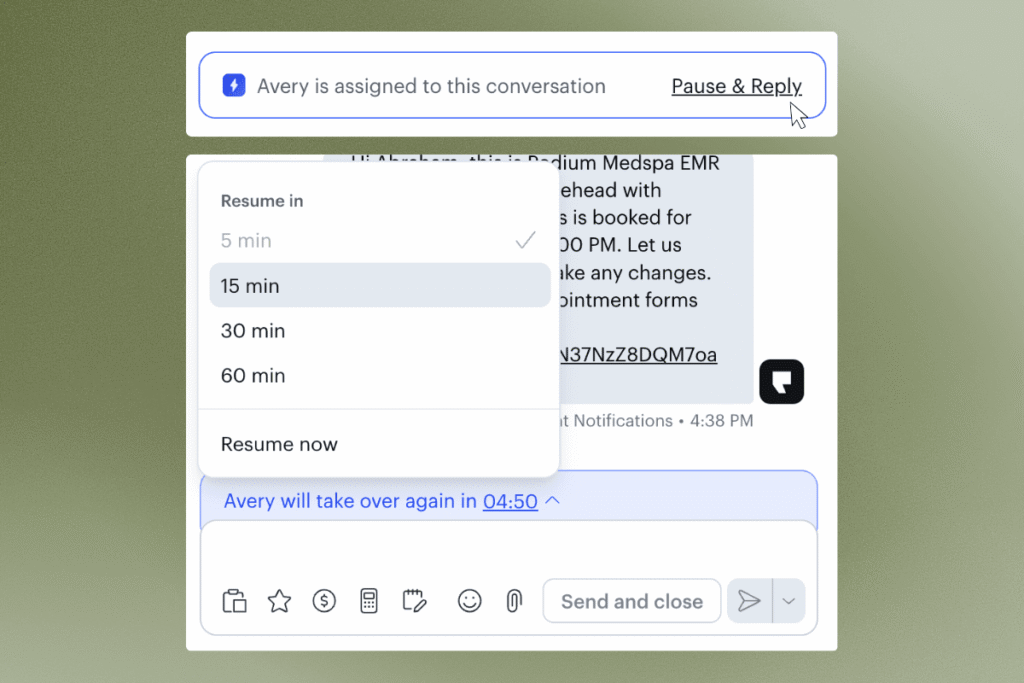
When a team member steps into a conversation the AI employee is handling, AI now pauses for a set window: five minutes by default, adjustable to 15, 30, or 60 minutes. The AI pauses, then resumes automatically when the timer ends. The AI employee stays assigned throughout, and the conversation shows who paused it and until when.
Voice AI calls in one place
Voice AI call reporting is on the Calls page for all verticals, so you can see calls across every location in one view instead of agent by agent in AI Studio.
Home Services
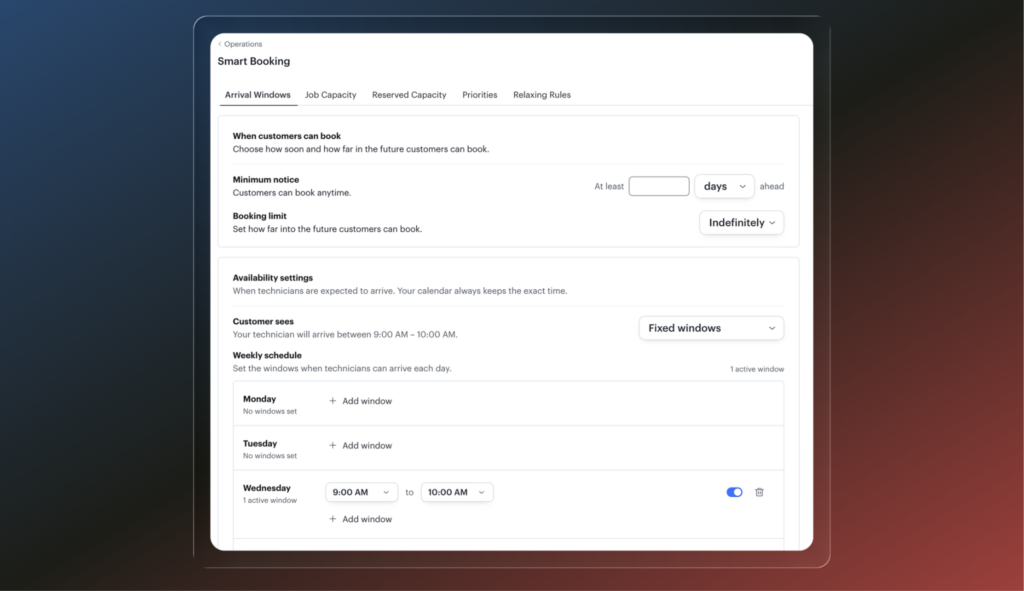
Arrival windows for FSM
Your AI can now offer an arrival window, the span of time a technician will arrive within, instead of locking in an exact appointment time. That leaves room to fit a same-day emergency request without moving booked jobs. Available for Voice AI and Text AI.
Paper mail invoices
FSM customers can download any invoice as a PDF formatted for USPS Standard #10 double window envelopes. Print it, slide it in, and mail it without writing out an address.
Onboarding Portal for FSM
Self-serve onboarding is live for FSM customers. Securely provide credentials, connect your social accounts, set up your team with built-in forms, and jump straight to the settings you need through guided deep links. Your onboarding team can see your progress as you go.
Auto
Offers
Jerry now uses your current offers to bring shoppers in. Offers stay up to date, and Jerry matches the right offer to the right vehicle with model-specific terms, stacking rules, and disclaimers handled. Jerry even follows up on expiring offers before they lapse.
Operator
Operator answers questions from your data on demand and surfaces what matters without being asked. Get a daily performance recap with next steps, then let Operator act on them: re-engaging customers, working toward your goals, adjusting playbooks, and reporting back on progress.
Whisper
Just talk, and Jerry does the rest. Hold to talk and tell Jerry what you need. He turns your words into actions, like sending a text or setting a reminder. No typing and no login, and it works from any phone, so follow-ups get done from the floor instead of waiting for a desk.
AI Studio — See how Jerry thinks, coach him, and test the change.
- Reasoning See the logic and tools behind every reply Jerry sends.
- Trainer Agent Surfaces the fix for you in plain English. You approve it, with no code and no support ticket.
- Test Bench Simulate a conversation before a real customer ever sees the change.
- Analytics Track your outcome success rate over time as you tune.
MedSpa
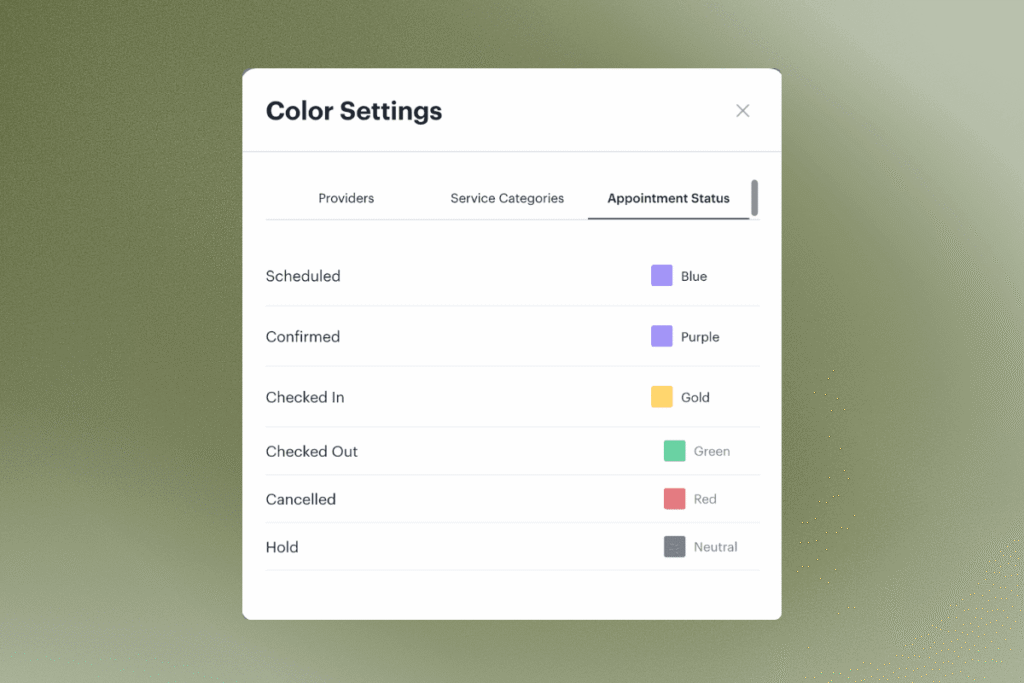
Calendar Color by Appointment Status
Color appointments on the calendar by status so you can quickly distinguish confirmed, checked out, canceled, and other statuses at a glance.
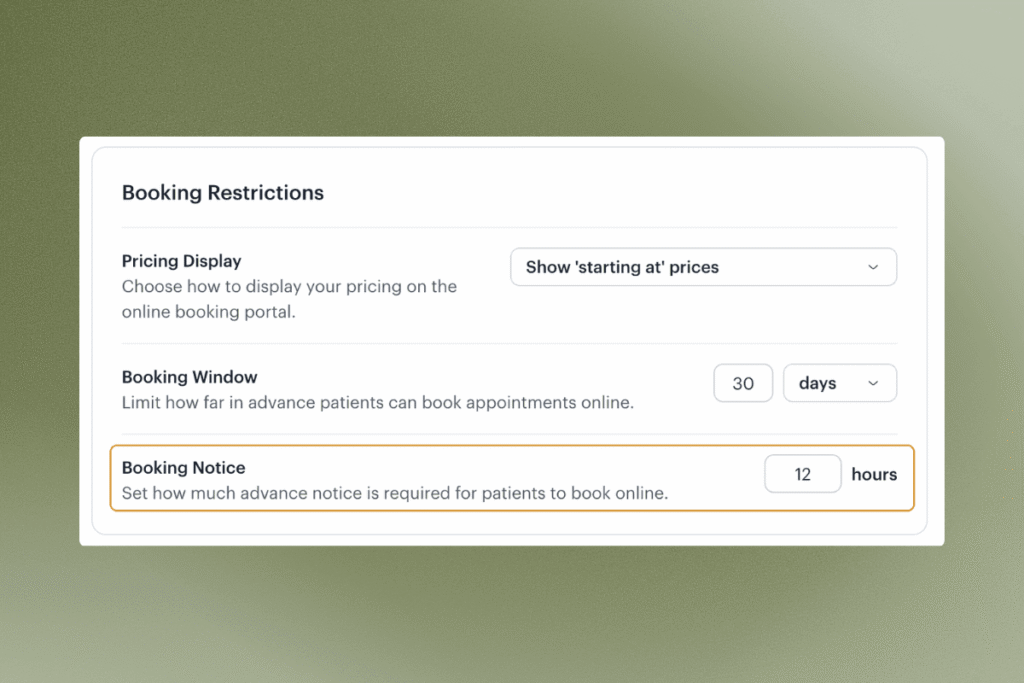
Booking Notice (Replaces same-day booking toggle)
Set how much advanced notice is needed for clients to book an appointment online, down to the hour.
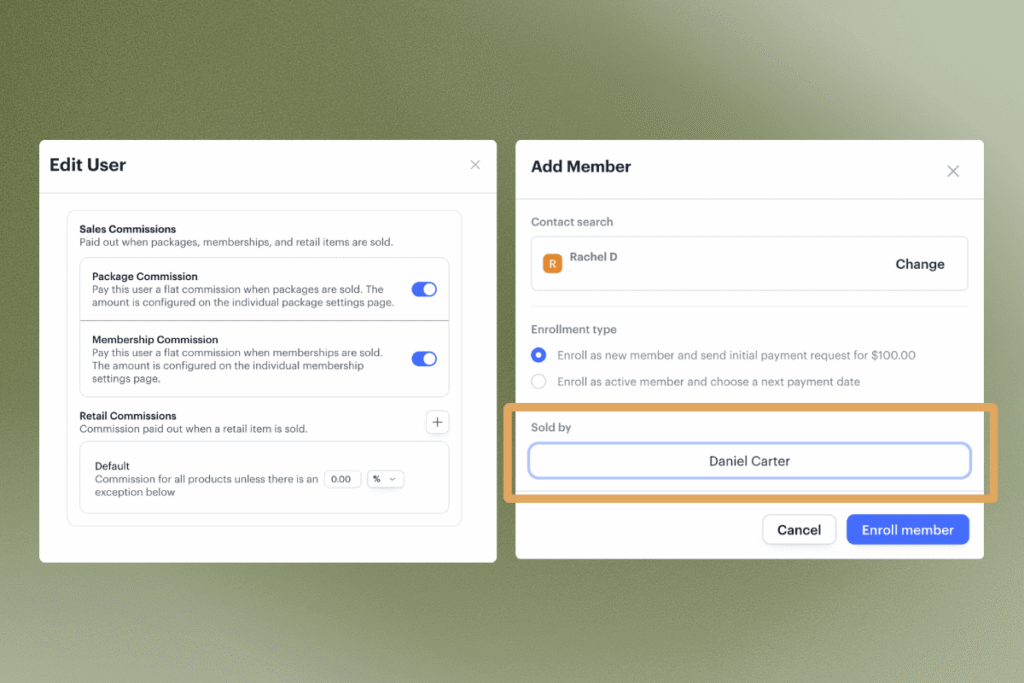
Membership and Package Sales Tracking & Commission
Track who sold a membership or a package and enable commissions on sales (now included in Provider Payroll report).
Where to find it in Podium: The “Sold by” option will appear whenever a new membership or package is issued. To enable commissions, go to the user’s profile and turn on membership and package commissions under Compensation. To set the flat commission amount, edit the individual membership or package.
Client Profile Photos
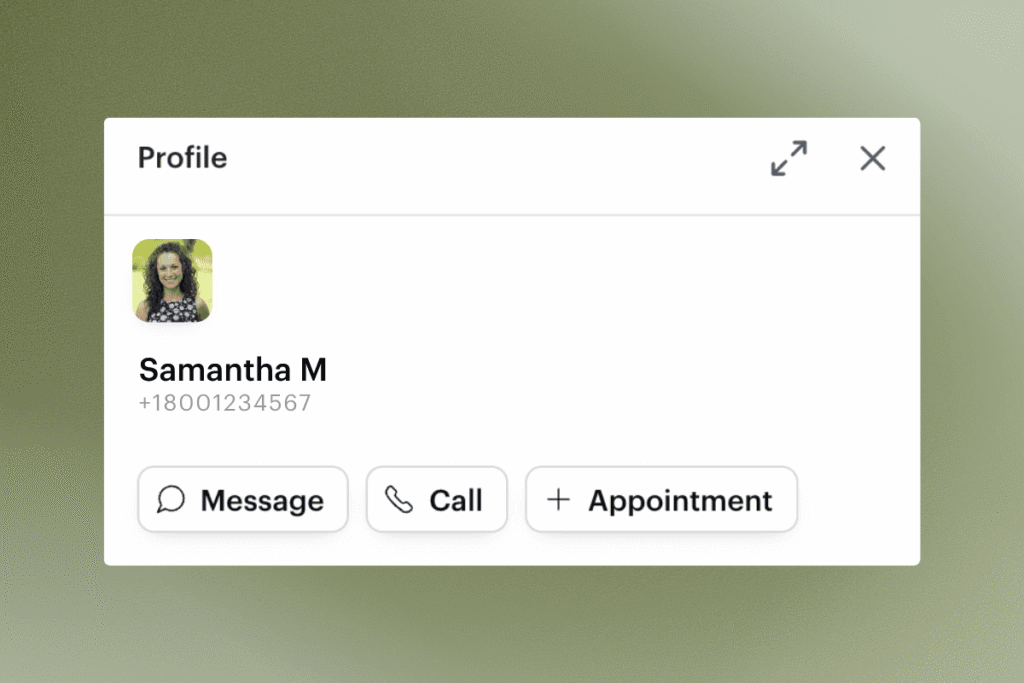
Click the profile avatar to select an existing image or upload a new image to use as profile photo to quickly identify your clients. (Coming soon on mobile app)
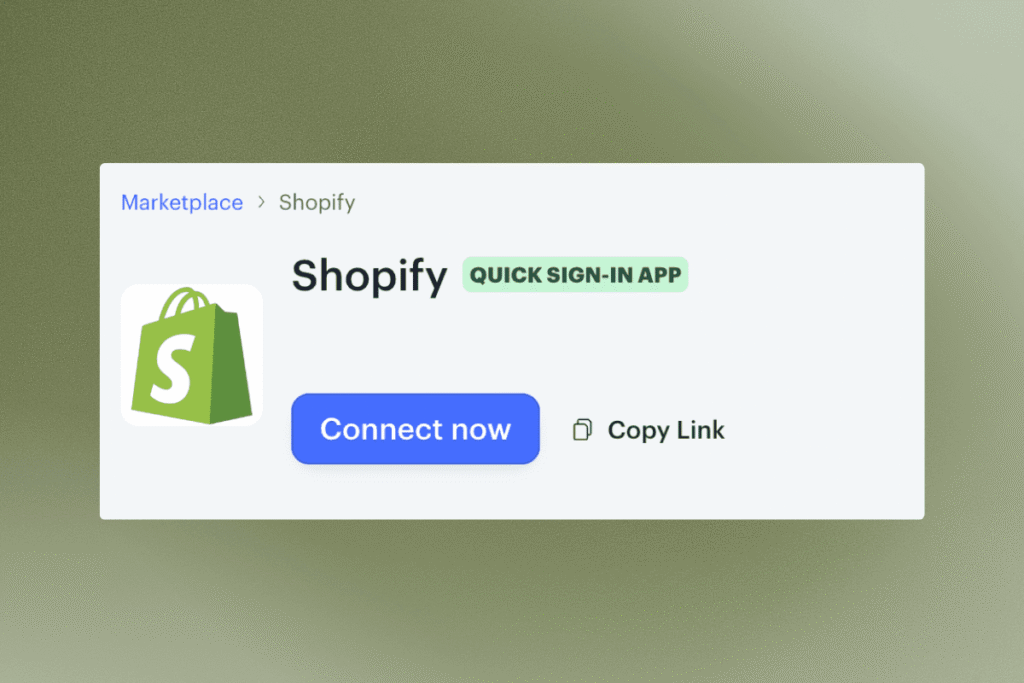
Shopify Inventory Sync
Connect Shopify to Podium to keep inventory levels in sync automatically.
Where to find in Podium: Integrations > Shopify > Connect Now
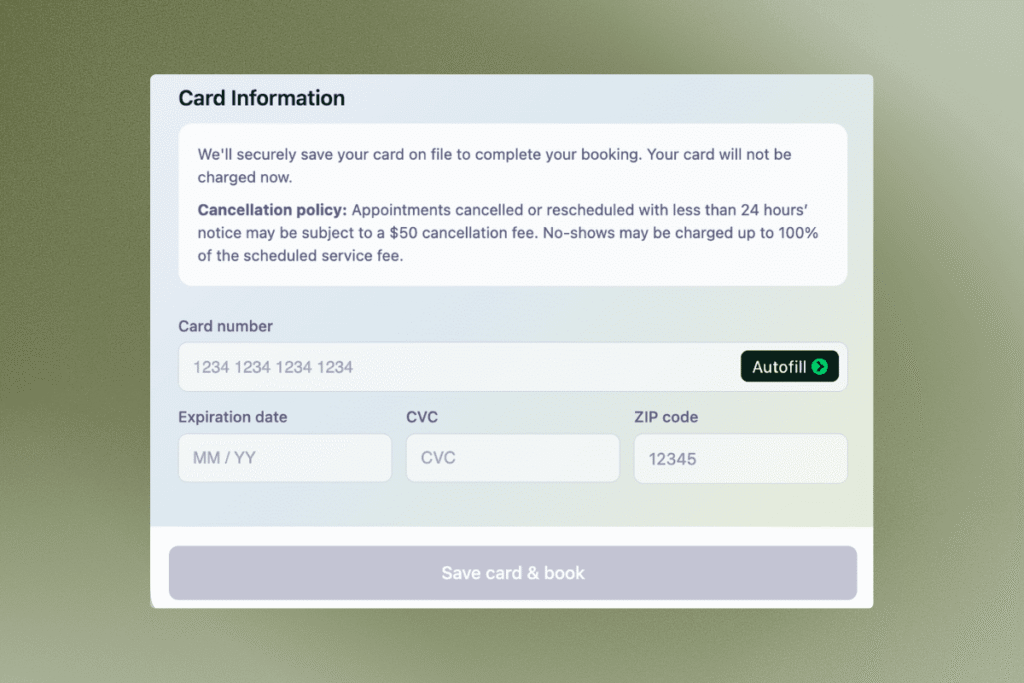
Card on File at Online Booking
When a cancellation policy is turned on, clients now add their card directly in the online booking flow instead of receiving a separate text request.
Where to find in Podium: Settings > Appointments > Cancellations & Deposits
Avery Pause
When Avery is assigned to a conversation, the message composer is now tucked behind a “Pause and Reply” prompt to avoid duplicate responses that confuse clients. Pause for 5-60 mins with a visible timer – resume any time. You’ll also see a live thinking indicator when Avery is working on a response.
AI Charting Improvements
AI charting can now handle multiple recordings per appointment, and any recording can be applied to any chart template with one click. Record an appointment, apply it to your chart, and watch the fields (including non-text fields) fill themselves in.
Service-Level Tipping
Define which services are eligible for gratuity. All services are eligible by default, but you can now opt out individual services. Clients won’t be prompted to tip when a service is set as ineligible.
Where to find in Podium: Navigate to the service you want to update by going to Settings > Services > Click into service. Scroll down to Pricing to find Eligible for gratuities toggle.
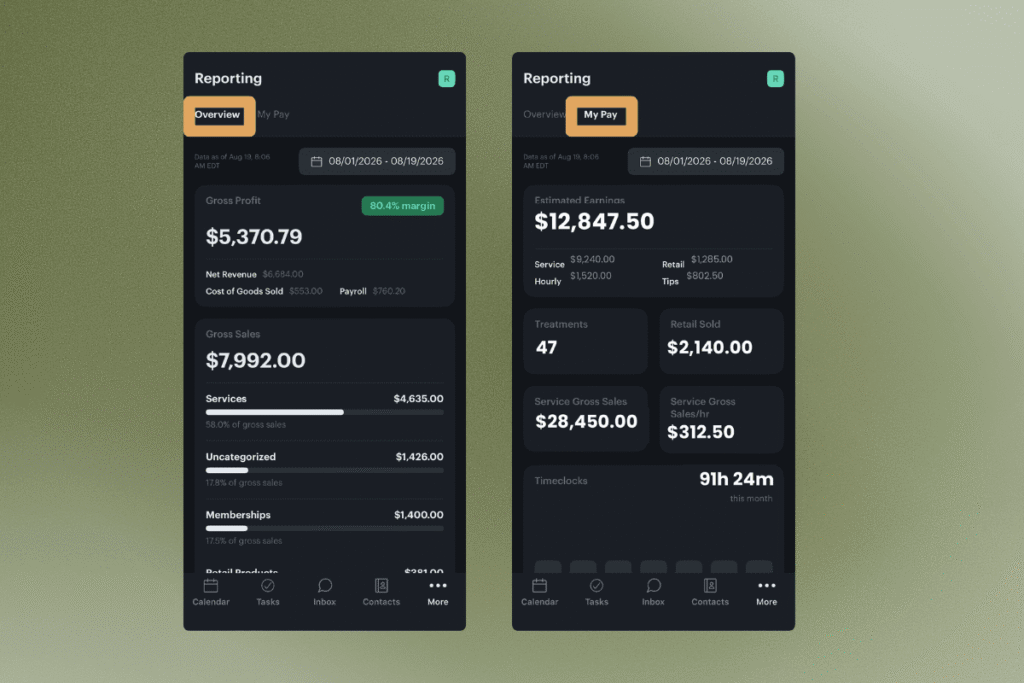
AI Charting Improvements
Owners get a business overview on mobile with day and week visuals for profit, sales, visits, new clients, and revenue. Providers get a MyPay tab with estimated earnings broken down by service, hourly, and retail, plus a full time clock history.
Where to find in Podium: Mobile app > More > Reporting (or Customize Tab Bar if Reporting isn’t visible)
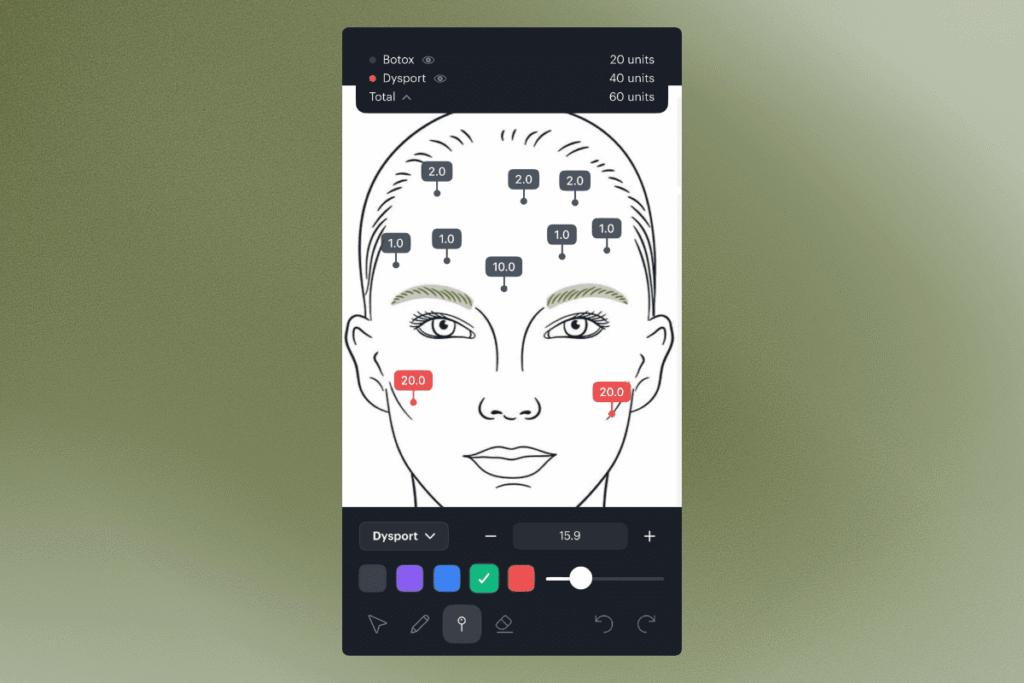
Multi-Product Chart Markup (Mobile)
Mark up an image with multiple products in one session, each in its own color, with running unit totals per product at the top.
Retail Inventory Auditing on Mobile
Update inventory count for retail products from the mobile app.
Where to find in Podium: Mobile app > Inventory > Toggle on Audit Mode
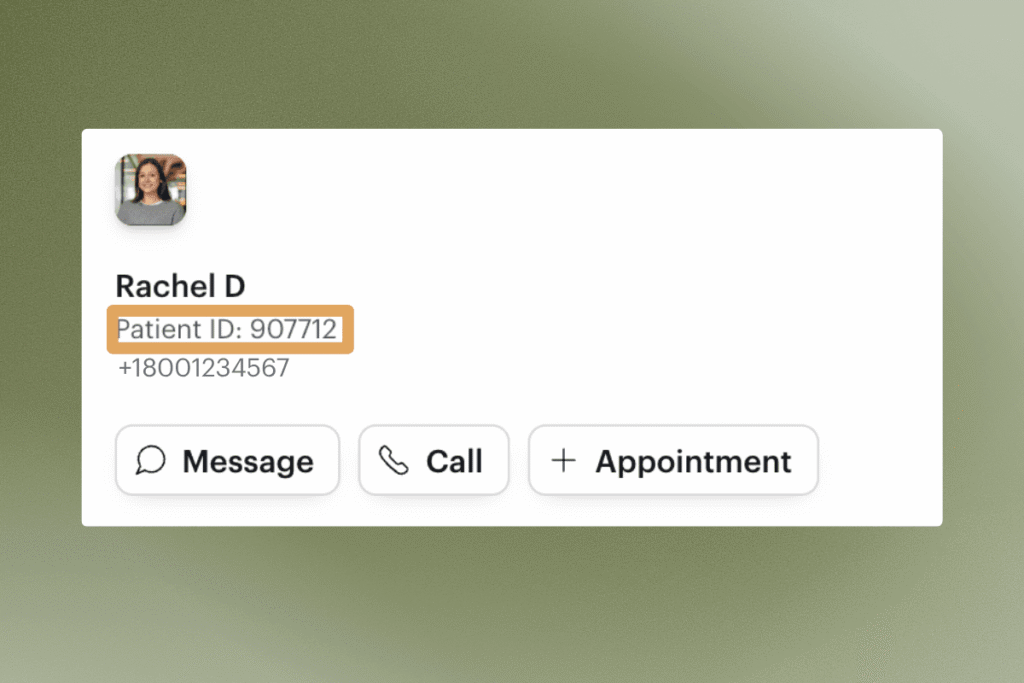
Patient ID (Medical Record Number)
Every contact now has a unique patient ID visible on their profile.
Update Membership Payment Date
Editing the next payment date for a membership enrollment is back. Click into a member’s detail, click the next payment date, and select a new date. Entitlement dates update automatically.
eFax Self-Serve Porting
Porting an existing fax number over to Podium is now fully self-serve. Kick off a porting request and sign the document right in the app.
Where to find in Podium: eFax > Settings > Start Porting Request